Email List Cleaner vs securememo.app
Side-by-side comparison to help you choose the right tool.

Email List Cleaner
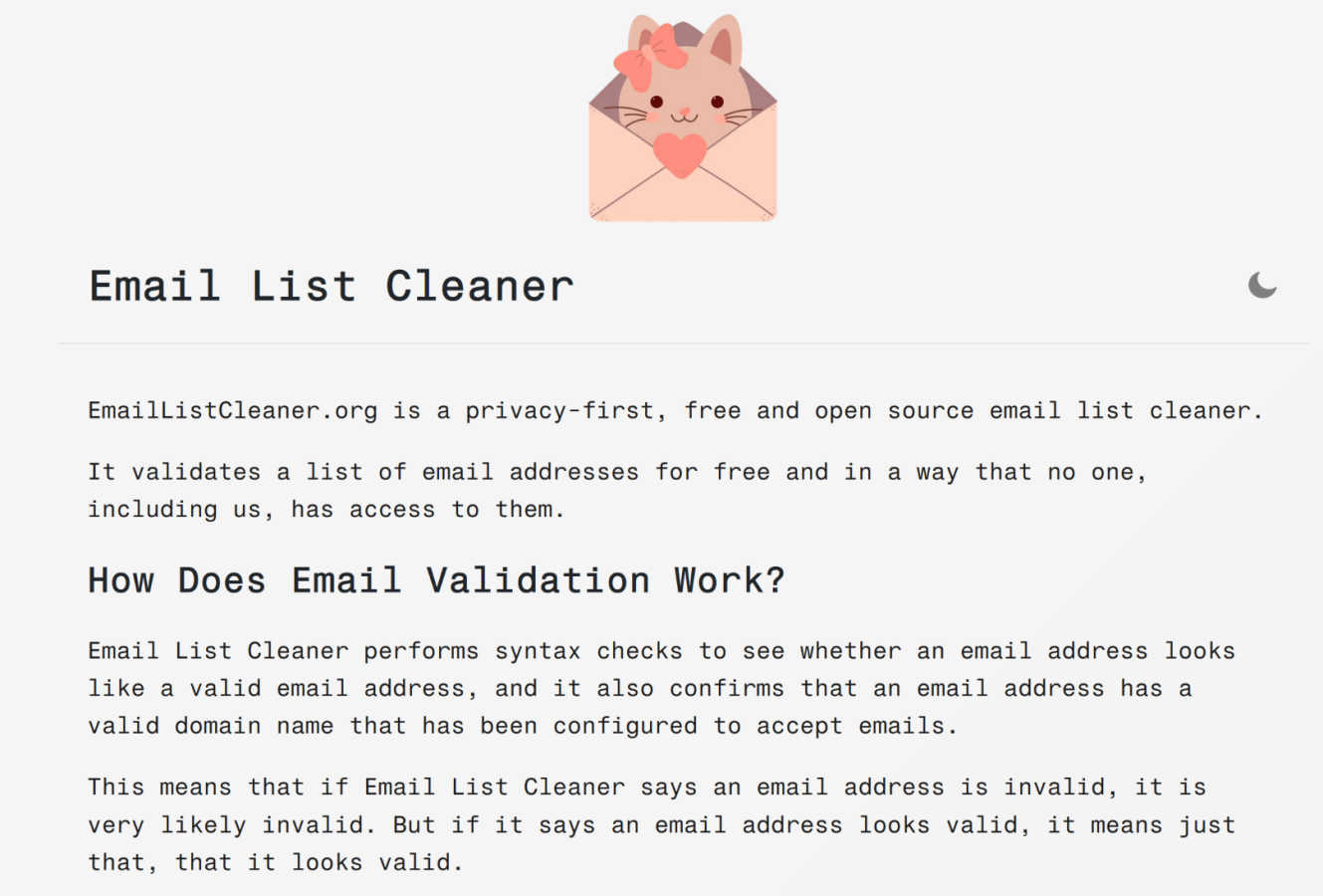
Email List Cleaner is a privacy-first, open source tool that validates email addresses entirely within your browser.
Last updated: March 1, 2026

securememo.app
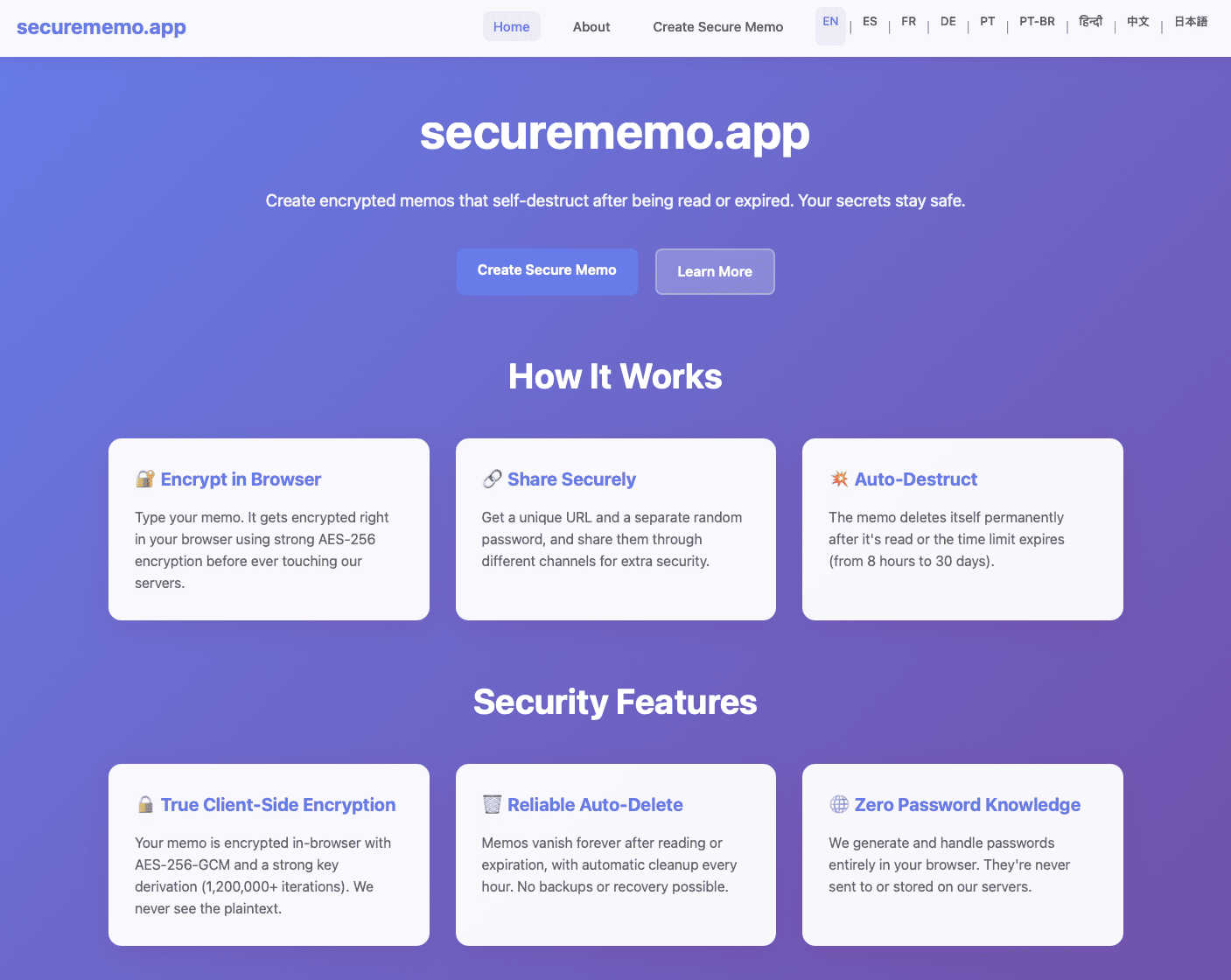
Securememo.app is an open source, client side encrypted memo service with zero tracking.
Visual Comparison
Email List Cleaner
securememo.app
Feature Comparison
Email List Cleaner
Client-Side Privacy-First Validation
The entire email validation process is engineered to occur within your web browser. The only data transmitted externally are domain names, which are sent to Google's DNS service to verify MX records for mail server configuration. The actual email addresses you input are never sent to or stored on any external server, ensuring complete data sovereignty and privacy. This architecture is fully transparent and verifiable through the project's open-source code.
Comprehensive Email Address Verification
The tool performs a multi-layered validation check on each email address. This includes a rigorous syntax check to ensure the address conforms to RFC standards and a domain verification step that confirms the domain exists and is configured to accept email (via MX record lookup). While it cannot guarantee an inbox exists, it identifies addresses that are definitively invalid due to malformed syntax or non-existent domains.
Advanced Filtering and Sanitization Options
Beyond basic validation, Email List Cleaner provides granular control over list sanitization. Users can configure options to allow or flag disposable email addresses, role-based addresses (e.g., info@, sales@), and duplicate entries. The duplicate detection is sophisticated, accounting for provider-specific behaviors like Gmail ignoring dots in the local part and supporting email address tags (e.g., [email protected]).
Support for Complex Email Formats
The system accepts input in multiple common formats, providing flexibility for users. You can paste a simple list of email addresses (one per line) or use the "Name [email protected]" format. This capability ensures that lists exported from various CRM systems, marketing platforms, or contact managers can be processed directly without requiring manual reformatting beforehand.
securememo.app
Client-Side Encryption
All data processing and encryption occur exclusively within the user's web browser using robust cryptographic algorithms before any data is sent to the securememo.app servers. This architectural design ensures that plaintext content of memos is never exposed to the network or the service's infrastructure. The encryption keys are generated and managed locally, guaranteeing that only the intended recipient with the correct password can ever decrypt and view the note's contents, providing a true zero-knowledge environment.
Self-Destructing Notes
Each memo created on the platform is ephemeral by design. Once a note is created and a unique link is generated, it is programmed to automatically and permanently delete itself from the servers after being accessed by the recipient. This feature enforces data minimalism and eliminates the risk of sensitive information persisting in any database, providing a secure, one-time viewing mechanism that leaves no long-term digital footprint.
Zero-Knowledge Password Generation
For each memo, a strong, cryptographically random password is generated locally on the creator's device. This password is never transmitted to or stored by securememo.app's servers. The service operates on a zero-knowledge principle where it has no access to this decryption key. Secure sharing of the memo requires the creator to transmit this password to the recipient through a separate, trusted channel (e.g., a secure messaging app or in person), creating a necessary two-factor access mechanism.
No-Account Anonymity
The service is designed for immediate use without any registration, sign-up, or account creation process. This approach maximizes user privacy and anonymity by not collecting any personally identifiable information (PII) such as email addresses or usernames. Users can create and share encrypted memos instantly, which lowers the barrier to entry and aligns with the product's core philosophy of privacy-by-design and operational security.
Use Cases
Email List Cleaner
Improving Email Marketing Campaign Deliverability
Marketers and small business owners can use the tool to sanitize their mailing lists before launching campaigns. By removing invalid addresses, disposable emails, and duplicates, they significantly reduce bounce rates, protect their sender reputation with ISPs, and improve overall deliverability metrics, ensuring their messages reach genuine, engaged subscribers.
Pre-Migration Data Cleansing for System Administrators
When migrating user databases between platforms (e.g., CRM, helpdesk, or communication systems), administrators can utilize Email List Cleaner to validate and clean the exported email list. This ensures that the new system is populated only with valid, functional addresses, preventing future communication failures and maintaining data integrity from the outset.
Developer Integration and Testing
Developers building applications that handle user registration or email notifications can integrate the tool's logic or use it to test sample data sets. Its open-source nature allows for code inspection and adaptation, providing a reliable, privacy-compliant method to validate email formats and domain legitimacy during the development and testing phases.
Maintaining Compliance and List Hygiene for Newsletters
Newsletter managers and community organizers can periodically run their subscriber lists through the cleaner to maintain list health. Filtering out role-based addresses and unlikely valid addresses (e.g., [email protected]) helps focus communication on individual recipients, potentially improving open rates and ensuring compliance with best practices for consent-based communication.
securememo.app
Secure Credential Sharing
Professionals can safely transmit sensitive login credentials, API keys, or database passwords to colleagues or clients. By using securememo.app, the credentials are encrypted end-to-end and self-destruct upon first view, mitigating the risks associated with sending such data via email, SMS, or standard messaging platforms where logs are retained and security may be compromised.
Confidential Legal or Business Communication
Lawyers, journalists, or business executives can share confidential case details, draft documents, or strategic information with the assurance of client-side encryption and ephemeral storage. This use case is critical for maintaining attorney-client privilege or protecting sensitive business intelligence from interception or unauthorized server-side access.
One-Time Private Messaging
Individuals requiring a private, non-traceable conversation channel can use the service to exchange messages that leave no permanent record. This is applicable for whistleblowers, individuals in sensitive situations, or anyone needing to share personal information without creating a persistent chat history that could be subpoenaed or hacked.
Secure Disposable Notes for Personal Data
Users can create encrypted notes containing personal information like social security numbers, bank account details, or travel documents for their own temporary reference. The self-destruct feature acts as a secure, automated cleanup, ensuring this highly sensitive data does not remain stored on any device or cloud service indefinitely.
Overview
About Email List Cleaner
Email List Cleaner is a specialized, privacy-centric software tool engineered for the technical validation and sanitization of email address lists. Its core function is to analyze a list of email addresses, identify invalid, risky, or duplicate entries, and output a cleaned, reliable list ready for use. The tool is designed for marketers, developers, system administrators, and small business owners who require a dependable method to improve email deliverability, protect sender reputation, and ensure communication efficiency without compromising data security. Its primary value proposition lies in its unique architecture: it is completely free, open source, and operates with a strict privacy-first principle. Almost the entire validation process is executed client-side within the user's web browser. The only external data transmission involves sending domain names to Google's DNS service for MX record verification, meaning the actual email addresses are never exposed to or stored on the tool's servers. This approach provides a powerful, cost-effective solution for list hygiene while offering unparalleled transparency and data sovereignty to the user.
About securememo.app
Securememo.app is a specialized web application engineered for the secure creation and transmission of sensitive textual information. It functions as a privacy-first, ephemeral note-taking and sharing service that operates entirely within a user's web browser. The core value proposition is its uncompromising commitment to data sovereignty and user anonymity through a robust implementation of client-side encryption and a zero-knowledge architecture. This means all cryptographic operations, including key generation and data encryption/decryption, are performed locally on the user's device before any data is transmitted. The service is designed for individuals and professionals who require a trusted, temporary channel for sharing confidential data such as passwords, access keys, personal messages, or sensitive documents in plain text. By eliminating the need for user accounts and ensuring the service provider has no technical means to access the content of the memos, securememo.app prioritizes ease of use without sacrificing the highest standards of security. Its availability in over 20 languages further extends its accessibility to a global audience seeking a reliable tool for discrete, one-time communication.
Frequently Asked Questions
Email List Cleaner FAQ
How accurate is the email validation?
Email List Cleaner provides highly reliable technical validation. If it marks an address as invalid, it is almost certainly invalid due to incorrect syntax or a domain that does not accept email. However, a "valid" result means the address is correctly formatted and the domain has valid MX records; it cannot guarantee the specific mailbox exists or is active, as that would require sending a message, which is technically impossible for a third-party tool without interaction.
Is my email list data kept private?
Yes, absolutely. The tool is designed with a strict privacy-first principle. All processing occurs locally in your browser. The only data ever transmitted is the domain name (e.g., "example.com") from an email address to Google's public DNS service to check for MX records. Your full email addresses, the list itself, and any associated names are never sent to or stored on any server, including ours.
What does "Allow unlikely valid email addresses" mean?
This option controls the filtering of email addresses that, while technically valid in format and domain, are semantically unlikely to be genuine personal or professional addresses. Examples include "[email protected]" or "[email protected]". Enabling this option will include such addresses in your valid output list, while disabling it will filter them out as invalid, helping you target more probable human recipients.
How does duplicate detection work for services like Gmail?
The duplicate detection feature is aware of specific email provider behaviors. For Gmail, it treats "[email protected]" and "[email protected]" as the same address, as Gmail ignores dots in the local part. It also recognizes email address tags, so "[email protected]" is considered identical to "[email protected]". This ensures truly unique addresses are identified, preventing unnecessary sends to the same inbox.
securememo.app FAQ
How does the encryption work technically?
The encryption process is executed entirely within your web browser. When you create a memo, the application generates a strong, random encryption key locally. Your text is then encrypted with this key using advanced standards (like AES-256-GCM) before it is ever sent over the internet to securememo.app's servers. The service only stores and transmits this encrypted ciphertext. The decryption key is presented to you as a password, which must be shared separately with the recipient to unlock the note.
What happens if the recipient loses the password?
Due to the zero-knowledge architecture, the password for decrypting the memo exists only with the creator and the recipient. Securememo.app's servers never receive or store this password. Therefore, if the password is lost, there is absolutely no technical way for anyone, including the service administrators, to recover the contents of the encrypted memo. The data remains cryptographically secure and permanently inaccessible.
Are there any limits on memo size or content?
While specific limits are subject to the service's operational policy, typical constraints for such a service involve a maximum character count for the memo body (e.g., several thousand characters) to ensure performance and manage server storage for the encrypted text. The content is usually plain text, and the service is designed for textual data rather than file attachments. Users should consult the application interface for the exact, current limitations.
How is the "self-destruct" mechanism enforced?
Once a memo is created, it is stored on securememo.app's servers in its encrypted state. The system is programmed to permanently delete the encrypted data from its databases immediately after the unique access link is used successfully (i.e., the correct password is entered and the note is decrypted and displayed for the first time). This deletion is automatic, irreversible, and is a fundamental part of the data processing workflow.