

SpeedTestry
SpeedTestry is a free, independent tool for accurately measuring your internet speed without ISP interference.
tool Details
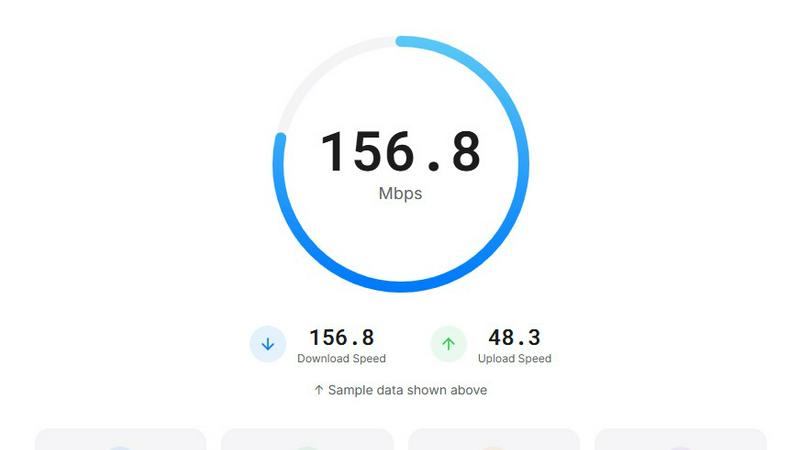
About SpeedTestry
SpeedTestry is a state-of-the-art, free internet speed testing tool designed to provide users with a quick and comprehensive assessment of their internet connectivity. It caters to a wide audience, from casual users seeking to understand their internet speeds to professionals requiring precise metrics for network performance analysis. SpeedTestry empowers users to diagnose connection issues, validate the commitments of their Internet Service Providers (ISPs), and monitor their internet performance effectively. In mere seconds, the tool delivers accurate metrics, including download and upload speeds, ping, and jitter. The user-friendly interface and real-time results ensure accessibility for everyone, while the robust testing capabilities guarantee the reliability of the data provided. With SpeedTestry, users can enhance their online experience, armed with the necessary insights to optimize their connectivity.
Features
Download Speed Test
SpeedTestry measures download speed, which indicates how quickly data is transferred from the internet to your device. This metric is crucial for activities such as streaming videos, downloading files, and browsing websites. Users can easily gauge the effectiveness of their internet service for these essential tasks with accurate and immediate results.
Upload Speed Test
This feature assesses the upload speed, reflecting how fast data can be sent from your device to the internet. It is especially valuable for users engaged in video conferencing, online gaming, or uploading files to cloud storage. SpeedTestry provides a clear understanding of your upload capabilities, essential for smooth communication and content sharing.
Ping Speed Test
The ping speed test measures the response time between your device and a server. A lower ping indicates a more responsive connection, which is critical for real-time applications such as online gaming and video calls. SpeedTestry's ping measurement helps users identify potential delays in their internet connection, allowing for improved performance in latency-sensitive tasks.
Jitter Speed Test
SpeedTestry evaluates the stability of your internet connection by measuring jitter, which refers to the variation in ping over time. High jitter can lead to disruptions during streaming or gaming sessions. By providing insights into connection stability, this feature helps users ensure consistent quality during their online activities.
Use Cases
Diagnosing Connection Issues
Users facing slow internet can utilize SpeedTestry to diagnose potential problems. By running a speed test, they can determine whether their connection speed aligns with their ISP's promises, enabling them to take action if discrepancies arise.
Verifying ISP Speeds
For individuals wanting to confirm the speeds they are paying for, SpeedTestry acts as an independent benchmark. By comparing results from ISP-provided tests, users can ensure they are receiving the service they have subscribed to without bias.
Optimizing Online Activities
Content creators and remote workers can benefit from SpeedTestry to optimize their internet speeds for various tasks. By understanding their download and upload capabilities, users can schedule uploads or streaming sessions during off-peak hours to maximize efficiency.
Enhancing Gaming Experiences
Gamers can leverage SpeedTestry to check their ping and jitter before starting online sessions. This information helps them select optimal servers and adjust their settings for the best possible gaming experience, minimizing lag and interruptions.
Frequently Asked Questions
How accurate is this speed test?
SpeedTestry delivers highly accurate results due to its use of adaptive algorithms that adjust to your current connection. The tool is designed to provide users with a reliable measurement of their internet speeds within seconds.
Why is my speed test result slower than what I'm paying for?
Several factors can influence your speed test results. Network congestion, using Wi-Fi instead of a wired connection, or background applications consuming bandwidth could all lead to slower results. Running a speed test at different times can help identify persistent issues.
What is a good speed test result?
A good speed test result varies depending on your internet needs. For general browsing and streaming, download speeds of at least 25 Mbps are typically sufficient. For activities like 4K streaming or online gaming, higher speeds of 50 Mbps or more may be necessary.
What's the difference between download and upload speed test?
Download speed measures how quickly you can receive data from the internet, while upload speed measures how fast you can send data to the internet. Both metrics are important depending on your online activities, such as streaming, gaming, or data sharing.