

Alternatives to Nano AI
Nano AI is a creative workspace for text-to-image generation, image editing, and everyday visual tools such as background removal and resizing.
Explore 20 alternatives to Nano AI. Compare features, pricing, and find the best fit for your needs.
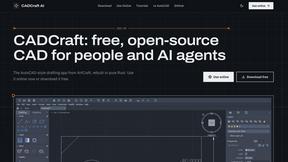
CADCraft
CADCraft is a free, open-source 2D drafting app for design workflows, with desktop and browser access plus scriptable controls.
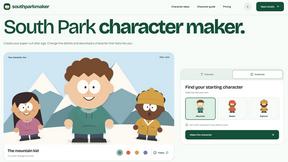
southparkmaker
Make a South Park-inspired character with editable presets, live previews, and PNG or SVG downloads in a browser-based builder.
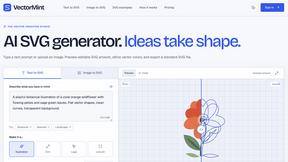
VectorMint
VectorMint generates editable SVG artwork from prompts or images, offering a free preview before paid downloads for vector design projects.

MAGI-2
MAGI-2 makes 10-second 1080p clips from prompts or still images, with aspect-ratio choices and optional synchronized sound.
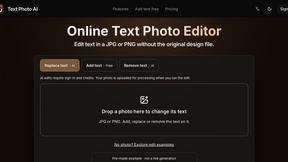
Text Photo AI
Edit wording in JPG and PNG images with AI, or add a caption free in your browser and export a PNG.
Goshortsai
Goshortsai provides AI image and video workflows, from prompt-based clips to image animation, motion control, and reusable effects.
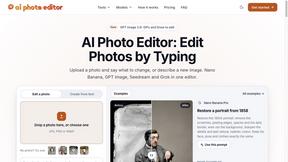
AI Photo Editor
A prompt driven photo editor for cleanup, background changes, restoration, and creative image variations across AI models.
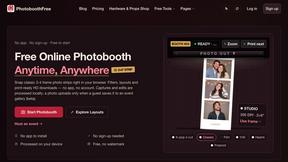
PhotoboothFree
PhotoboothFree is an online photo booth for themed strips, with browser capture, optional uploads and print-ready PNG exports.
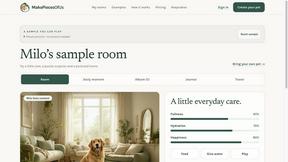
MakePiecesOfUs
MakePiecesOfUs turns a real pet photo into a virtual room with free photo puzzles, an album, a journal and optional daily stories.
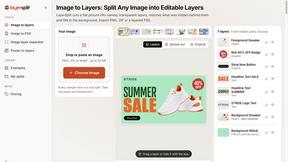
LayerSplit
LayerSplit converts flat posters, banners, and other images into editable layers, with a filled background and layered PSD export.
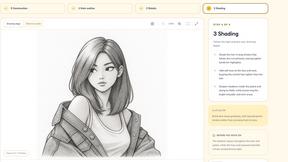
Drawcil
Drawcil guides pencil practice from a photo through four stages, from basic shapes to shading, with checkpoints for each step.
iWhiteScreen
Turn a computer, phone or tablet display into a full-screen white light for cleaning, pixel checks, tracing and simple lighting.
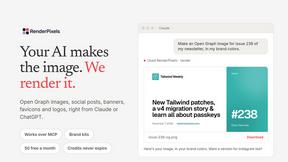
RenderPixels
RenderPixels lets an AI assistant create exact-size image files through browser rendering, with issue checks, previews, and permanent links.
MenuCapture
Improve restaurant dish photos with text-directed edits, saved versions, and exports sized for menus, delivery apps, and social media.
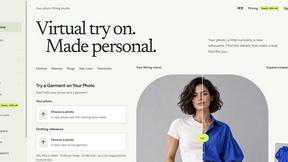
VirtualTryOn
AI photo try-on tools let you compare clothing, glasses, rings and hair ideas with your original image for visual exploration.
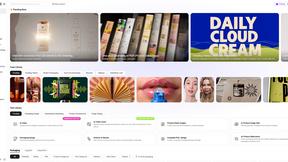
Rhinobird
Rhinobird turns product photos and packaging artwork into listing images, ad creatives, and videos for ecommerce teams.
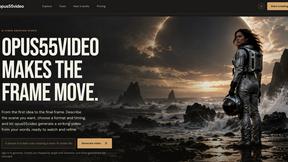
opus55video
Create short AI video drafts from text or images, then refine the framing, timing, and visual direction.

Vikas Editor AI
Turn a photo or prompt into cinematic portraits, festive edits and five-second videos in a browser-based studio.
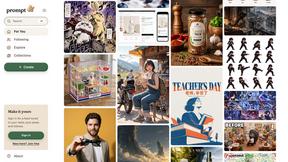
Promptclay
Browse tested AI image prompts alongside their results and model details, with free copying and creator collections.
About Nano AI Alternatives
A product visualization suite may be more appropriate when accurate dimensions, materials, or repeatable presentation views are central to the work. A photo editor may offer more direct control for detailed retouching. Compare the precision required, how concepts move into finished artwork, and whether the needed output tools are currently available.
FAQs about Nano AI Alternatives
What if product concepts must match precise dimensions?
Compare tools built for dimensioned product visualization and verify whether prompt-based images meet your accuracy needs.
How should a fashion team assess the workflow?
Check whether the image generation and editing controls support the desired styling, then review results before using them as campaign assets.