
DR Checker vs NextGen Tools
Side-by-side comparison to help you choose the right tool.

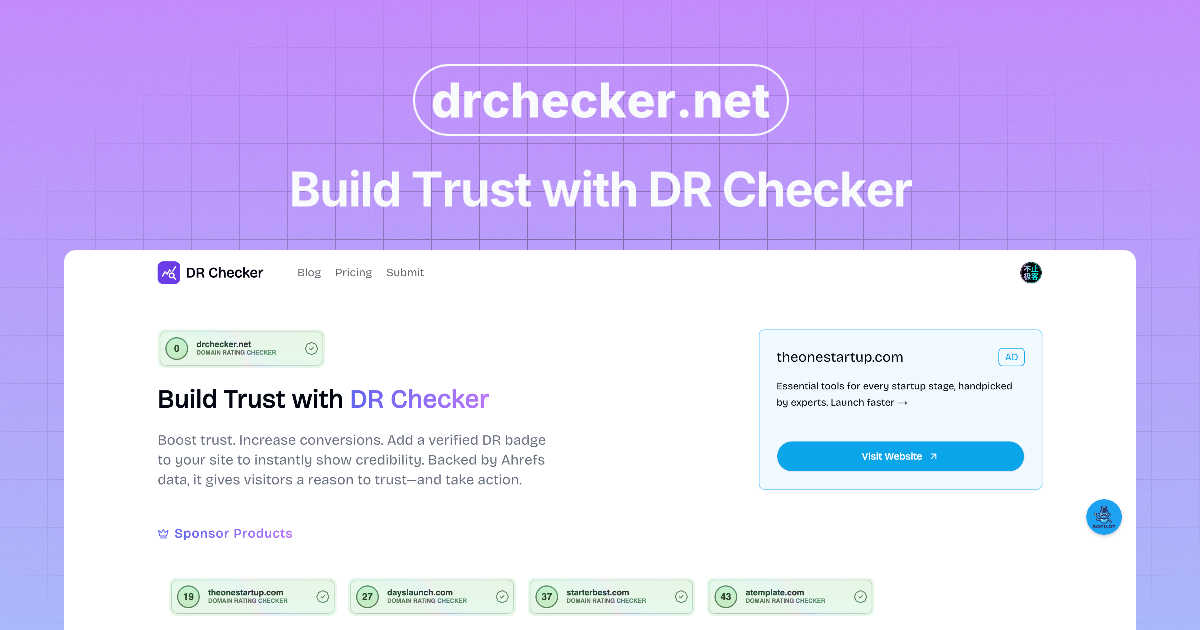
DR Checker verifies the authenticity of digital content to establish and maintain user trust.

NextGen Tools is your ultimate platform to discover and launch the best AI tools and SaaS products for enhanced.
Last updated: February 26, 2026
Visual Comparison
DR Checker
NextGen Tools
Feature Comparison
DR Checker
Advanced Web Crawling Engine
DR Checker utilizes a robust, configurable web crawling engine designed to navigate complex website architectures, including JavaScript-rendered content and single-page applications (SPAs). This engine systematically maps all discoverable links, ensuring a thorough examination of both internal page connections and outbound external links. It respects robots.txt directives while providing depth and scope controls, allowing for targeted scans of specific site sections or comprehensive full-site audits to ensure no problematic link goes undetected.
Comprehensive Link Health Analysis
The platform performs a multi-faceted diagnostic on each identified link, checking for a variety of failure states and security concerns. This analysis goes beyond simple HTTP status code checks (like 404, 500, or 403 errors) to include validation of URL syntax, detection of redirect chains, identification of links to parked or expired domains, and proactive screening for connections to URLs known for phishing, malware, or other malicious activities, thereby safeguarding your site's reputation.
Actionable Reporting and Prioritization
Following a scan, DR Checker compiles findings into detailed, structured reports that categorize issues by severity and type. These reports highlight the exact URL where the broken or malicious link is located, the destination it points to, and the specific HTTP response code or security flag received. This prioritization enables users to efficiently address critical issues first, such as security threats or high-traffic page errors, streamlining the remediation workflow for developers and site administrators.
Intuitive Dashboard and Management Interface
Designed for usability, DR Checker presents its complex data through a clean, organized dashboard interface. Users can easily initiate new scans, review historical audit reports, monitor scan progress, and export data for further analysis or sharing with team members. The interface abstracts the technical complexity of web crawling and diagnostics, making the tool effective for both technical developers and non-technical stakeholders like content managers or digital marketers.
NextGen Tools
Comprehensive Tool Directory
The platform boasts an extensive directory of AI tools and SaaS products, allowing users to browse through a wide range of categories. This feature simplifies the search process, making it easy for users to find tools that meet their specific needs.
Weekly Launch Highlights
NextGen Tools offers a dedicated section for tools launching each week, giving users access to the latest innovations in real-time. This feature ensures that users are always updated with fresh tools that can enhance their workflows.
Premium Tool Listings
Users have the option to explore premium tools that have been sponsored for enhanced visibility. This feature helps developers and startups gain traction by showcasing their products prominently on the platform.
Community Engagement
The platform features a Karma leaderboard and Streaks leaderboard, which recognize and reward user engagement. This community-driven aspect fosters interaction among users, encouraging them to contribute reviews and insights about the tools they use.
Use Cases
DR Checker
Pre-Launch Website Audits
Before launching a new website or a major content update, development teams can use DR Checker to perform a final integrity audit. This process identifies broken internal links, incorrect staging environment URLs, and untested external resources that could undermine the user experience immediately upon launch. Resolving these issues preemptively ensures a professional, seamless debut and prevents early negative impressions from visitors and search engine crawlers.
Ongoing SEO Maintenance and Optimization
SEO professionals and website managers employ DR Checker as part of a routine maintenance schedule to protect and improve search engine rankings. Search engines penalize sites with excessive broken links, viewing them as poorly maintained. Regular scans help identify and fix these "crawl errors," ensuring search engine bots can efficiently index all content, preserving link equity, and maintaining a healthy site profile that supports strong organic search performance.
Security Posture Enhancement
Security-conscious administrators use DR Checker to identify a critical vulnerability: outbound links to compromised or malicious websites. Such links can be introduced through user-generated content, compromised third-party widgets, or outdated resource references. By detecting and removing these hazardous connections, the tool helps prevent drive-by download attacks, phishing redirects, and association with blacklisted domains, thereby directly strengthening the site's security posture and user trust.
Content Migration and Platform Transition
When migrating a website to a new Content Management System (CMS) or restructuring a site's URL architecture, link integrity is paramount. DR Checker can scan the old and new environments to compare link maps, identifying broken links resulting from incorrect redirect mappings or missed content transfers. This ensures a smooth transition for users and preserves existing inbound SEO value by maintaining valid pathways to all migrated content.
NextGen Tools
Startup Launches
Entrepreneurs can utilize NextGen Tools to launch their products effectively. By listing their tools on the platform, they can gain visibility, receive valuable feedback, and attract early users, ultimately enhancing their chances of success.
Tool Discovery for Developers
Developers can explore the platform to find the most suitable tools that streamline their coding processes. By browsing through various categories, they can identify tools that enhance productivity and efficiency in software development.
Community Collaboration
The Karma and Streaks leaderboards promote community interaction, encouraging users to share their experiences with different tools. This collective knowledge helps others make informed decisions, fostering a collaborative environment.
Staying Updated with Trends
Users can subscribe to the newsletter and follow the blog to stay informed about the latest trends and insights in the AI and SaaS landscape. This feature empowers users to remain competitive by understanding emerging tools and technologies.
Overview
About DR Checker
DR Checker is a sophisticated, web-based diagnostic platform engineered to audit and fortify website integrity by comprehensively scanning for and identifying problematic hyperlinks. It serves as an essential tool for website owners, web developers, SEO specialists, and digital marketers who are responsible for maintaining optimal site performance, security, and search engine visibility. The core value proposition of DR Checker lies in its ability to proactively detect a spectrum of link-related issues, including broken links (404 errors), invalid or malformed URLs, links pointing to expired domains, and, critically, connections to potentially malicious or suspicious external resources. By leveraging advanced crawling technology, the platform meticulously analyzes website structures and both internal and external link profiles to generate detailed, actionable reports. These insights empower users to eliminate navigational dead-ends that frustrate visitors, remove security vulnerabilities that could compromise user data, and rectify SEO liabilities that negatively impact search rankings. Although the service deployment is currently temporarily paused, its design principle remains focused on simplifying complex website maintenance tasks through an intuitive interface, making professional-grade site auditing accessible to users with varying levels of technical expertise.
About NextGen Tools
NextGen Tools is a comprehensive AI tools directory and product launch platform designed for entrepreneurs, developers, and tech enthusiasts. Its main objective is to facilitate the discovery of trending SaaS and developer tools, enabling users to explore innovative solutions that can significantly enhance their productivity. By offering a user-friendly interface, NextGen Tools allows users to search for tools across various categories, view the latest product launches, and access a leaderboard showcasing the most popular tools. This platform is ideal for startups looking to launch their products, as it offers visibility and engagement opportunities. With features like premium tool listings, community-driven rankings, and insightful blog posts, NextGen Tools serves as a pivotal resource for anyone seeking to navigate and leverage the rapidly evolving landscape of AI and SaaS technologies.
Frequently Asked Questions
DR Checker FAQ
What types of links does DR Checker check?
DR Checker performs a comprehensive audit of all hyperlinks (anchor tags with href attributes) discovered on your website. This includes internal links that navigate between pages on your own domain, external links that point to other websites, image source links, script and stylesheet references, and links within iframes. It validates each for functionality, correct HTTP status, and potential security threats.
How deep does the crawler scan my website?
The crawling depth is typically configurable within the DR Checker platform. You can usually define the scope of a scan, such as limiting it to a specific subdirectory (e.g., /blog/), setting a maximum number of pages to crawl, or defining the link depth from the starting URL. This allows for targeted audits of new sections or full, site-wide comprehensive checks as needed.
Can DR Checker handle websites that require login?
Standard configurations of most web-based crawlers, including DR Checker, are designed to scan publicly accessible content. Scanning password-protected areas or sites behind a login typically requires advanced configuration, such as providing session cookies or configuring the crawler to authenticate, which may or may not be a supported feature depending on the specific implementation of the service.
What should I do with the results from a DR Checker report?
The actionable report provides a prioritized list of issues. For broken internal links, you should either correct the destination URL or implement a proper 301 redirect to a relevant live page. For broken external links, you should either find a new, valid source to link to or remove the link entirely. For links flagged as potentially malicious, they should be removed or replaced immediately. The report serves as a direct task list for developers and content managers to rectify.
NextGen Tools FAQ
How can I search for tools on NextGen Tools?
You can easily search for tools by using the search bar located at the top of the homepage. Enter keywords related to the tool or category you are interested in, and the platform will display relevant results.
What types of tools can I find on NextGen Tools?
NextGen Tools features a wide variety of tools, including productivity apps, SaaS platforms, AI tools, developer tools, and resources for startups and small businesses. Each category encompasses tools tailored for different user needs.
How does the premium tool listing feature work?
Premium tool listings allow developers and startups to promote their products more prominently on the platform. Sponsored tools receive enhanced visibility, making them more likely to attract user interest and engagement.
Can I contribute to the community on NextGen Tools?
Yes, users are encouraged to contribute by sharing reviews, insights, and experiences with the tools they have tried. Active participation can earn you Karma points, which may lead to recognition on the Karma leaderboard.