GTM Quest vs Playwriter
Side-by-side comparison to help you choose the right tool.

GTM Quest
GTM Quest accelerates B2B SaaS growth with expert go-to-market strategies and execution for predictable revenue.
Last updated: February 26, 2026

Visual Comparison
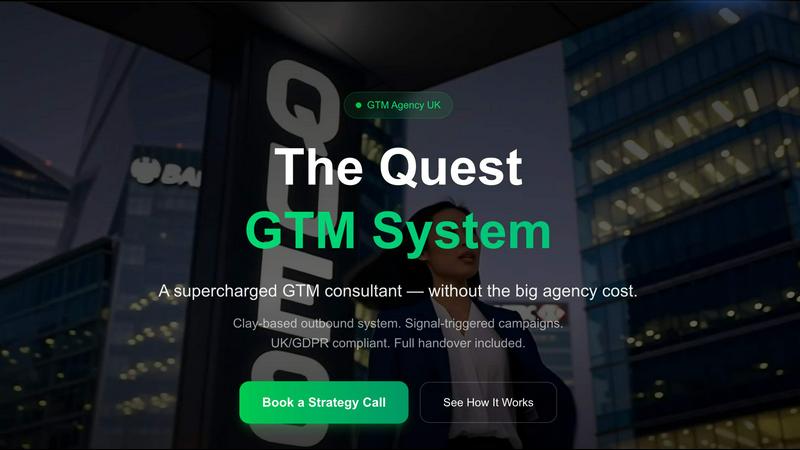
GTM Quest
Playwriter

Overview
About GTM Quest
GTM Quest is a state-of-the-art go-to-market platform specifically designed to empower B2B companies in launching products, penetrating new markets, and accelerating revenue growth. This innovative platform distinguishes itself from traditional GTM agencies that often impose high retainers for strategic consulting. By integrating an AI-powered strategy builder with comprehensive execution support, GTM Quest offers a unique approach to market entry. The platform also provides access to an extensive directory of over 200 vetted GTM agencies worldwide, enabling businesses to find the right partners for their unique needs. Whether you are a SaaS startup gearing up for launch, a scale-up venturing into new territories, or an established enterprise optimizing its revenue processes, GTM Quest delivers strategic insights and actionable tactics without the burden of inflated agency fees. With features like Clay-powered outbound systems, signal-triggered campaigns, and a GDPR-compliant framework, GTM Quest ensures measurable pipeline growth from day one.
About Playwriter
AI agents cannot browse the web properly. They either have no browser access, or they get a fresh Chrome with no logins, no extensions, and instant bot detection. Playwriter gives them your actual browser session instead. One Chrome extension, full automation API, everything you are already logged into. Includes accessibility snapshots (5-20KB instead of 100KB+ screenshots), a debugger with breakpoints, live code editing, network interception, and video recording. Works with any MCP client: Cursor, Claude, VS Code, and more. Open source, MIT licensed.