Practical AI (Practical AI for SMB) vs Prompt Builder
Side-by-side comparison to help you choose the right tool.

Practical AI (Practical AI for SMB)
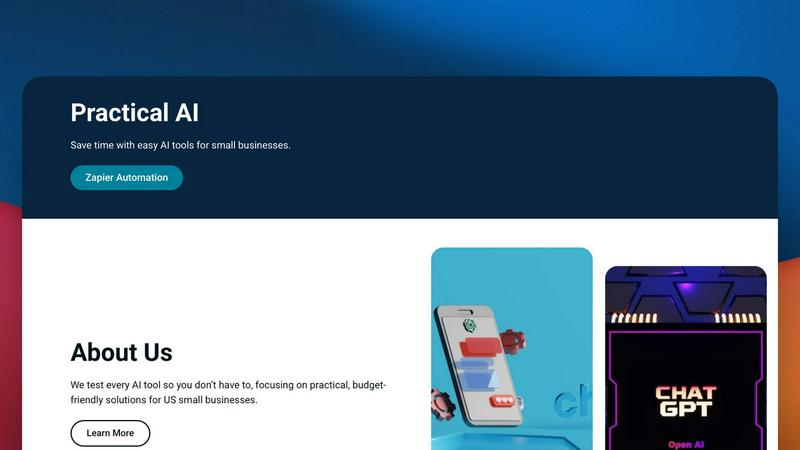
Practical AI empowers small businesses with user-friendly automation guides to streamline tasks and save valuable time without coding.
Last updated: April 4, 2026

Prompt Builder
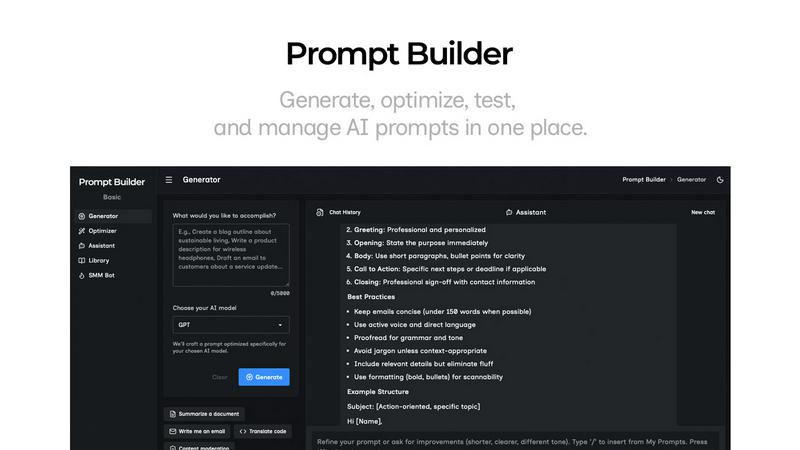
Generate, optimize, test, and manage AI prompts in one place. Turn an idea into a ready-to-use prompt in seconds.
Visual Comparison
Practical AI (Practical AI for SMB)
Prompt Builder
Overview
About Practical AI (Practical AI for SMB)
Practical AI is a specialized resource hub tailored for small and medium-sized businesses (SMBs) in the United States, designed to demystify the complexities of artificial intelligence. The platform offers an extensive range of practical tools, thorough testing, and clear, step-by-step guides on various AI applications, including popular tools like ChatGPT and Claude. By leveraging no-code platforms such as Zapier, Practical AI empowers SMBs to automate mundane tasks, enhance marketing strategies, and streamline their operations without requiring deep technical knowledge or significant financial investment. The content focuses on industry-specific solutions, including automated workflows for local service businesses like couriers, laundromats, and landscapers. Each guide is rigorously tested in real-world scenarios, ensuring that SMBs can implement these solutions effectively. Created by automation specialist Aapt Dubey, who has developed over 800 workflows, Practical AI stands as a reliable partner for businesses looking to boost efficiency and productivity.
About Prompt Builder
Prompt Builder is a prompt engineering workspace for writing, testing, and saving prompts. Describe the task in plain English, and it helps you create a prompt that matches the model you choose. Start with a draft, refine it in chat, save or pin versions, then run them when you are ready. It works with GPT, Claude, Gemini, Llama, Mistral, DeepSeek, Grok, Perplexity, and more. You also get an Optimizer, an assistant for quick tests, and a library of reusable prompts and templates from the community. Turn an idea into a ready-to-use prompt in seconds. Refine it in chat, save it to your Library, and run it anytime.