Shrinkpad vs Sprout Video Downloader
Side-by-side comparison to help you choose the right tool.

Shrinkpad
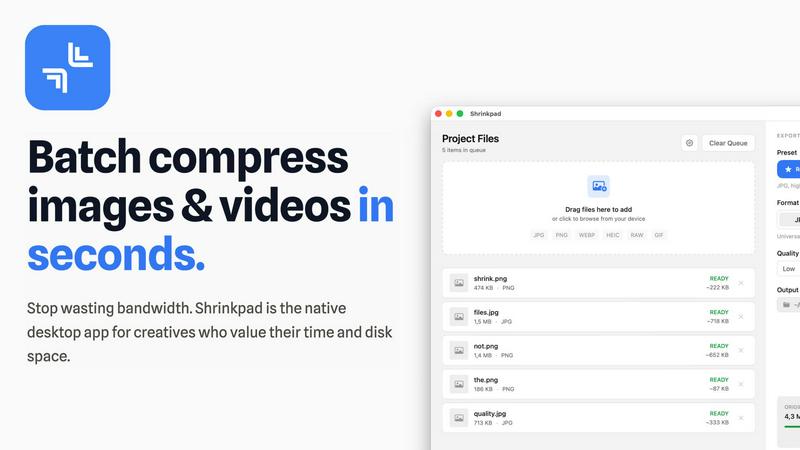
Shrinkpad is a native Mac app that batch compresses images and videos locally with automatic quality optimization.
Last updated: February 28, 2026

Download hosted MP4s from embedded/direct pages
Visual Comparison
Shrinkpad
Sprout Video Downloader

Overview
About Shrinkpad
Shrinkpad is a native macOS application engineered for high-performance, batch compression of images and videos directly on your local machine. It is a definitive desktop solution for photographers, designers, content creators, and developers who require efficient media optimization without compromising privacy, control, or workflow speed. The core value proposition is built on three pillars: unparalleled processing speed through local execution and optimization for Apple Silicon, complete data privacy with no cloud uploads, and intelligent, robust batch handling for massive volumes of files. Utilizing native macOS frameworks, Shrinkpad can reduce media file sizes by up to 90% while meticulously preserving visual quality through intelligent, automatic analysis. It supports an extensive range of over 50 media formats, including professional RAW images, HEIC, WebP, AVIF, MP4, and MOV, eliminating the need for tedious pre-conversion. Users can drag and drop hundreds of files or entire folders for processing in seconds, maintaining granular control over compression parameters, output formats, metadata preservation, and file naming conventions. This tool is essential for reclaiming significant disk space, reducing application bundle sizes for development, and critically improving website load times through automated asset optimization.
About Sprout Video Downloader
SproutVideo Downloader is a browser extension built for users who need offline access to business videos, training content, and embedded media served through SproutVideo. It detects supported direct-file and streaming playback flows, surfaces available quality options when present, and exports the final result as MP4 for later playback.
Save supported SproutVideo videos from embeds and direct pages
Handle direct MP4 and supported HLS-backed workflows
Export MP4 files for easier offline viewing and review
Keep a browser-first workflow for business and training content
Avoid manual stream extraction from embedded players