

MindMap AI
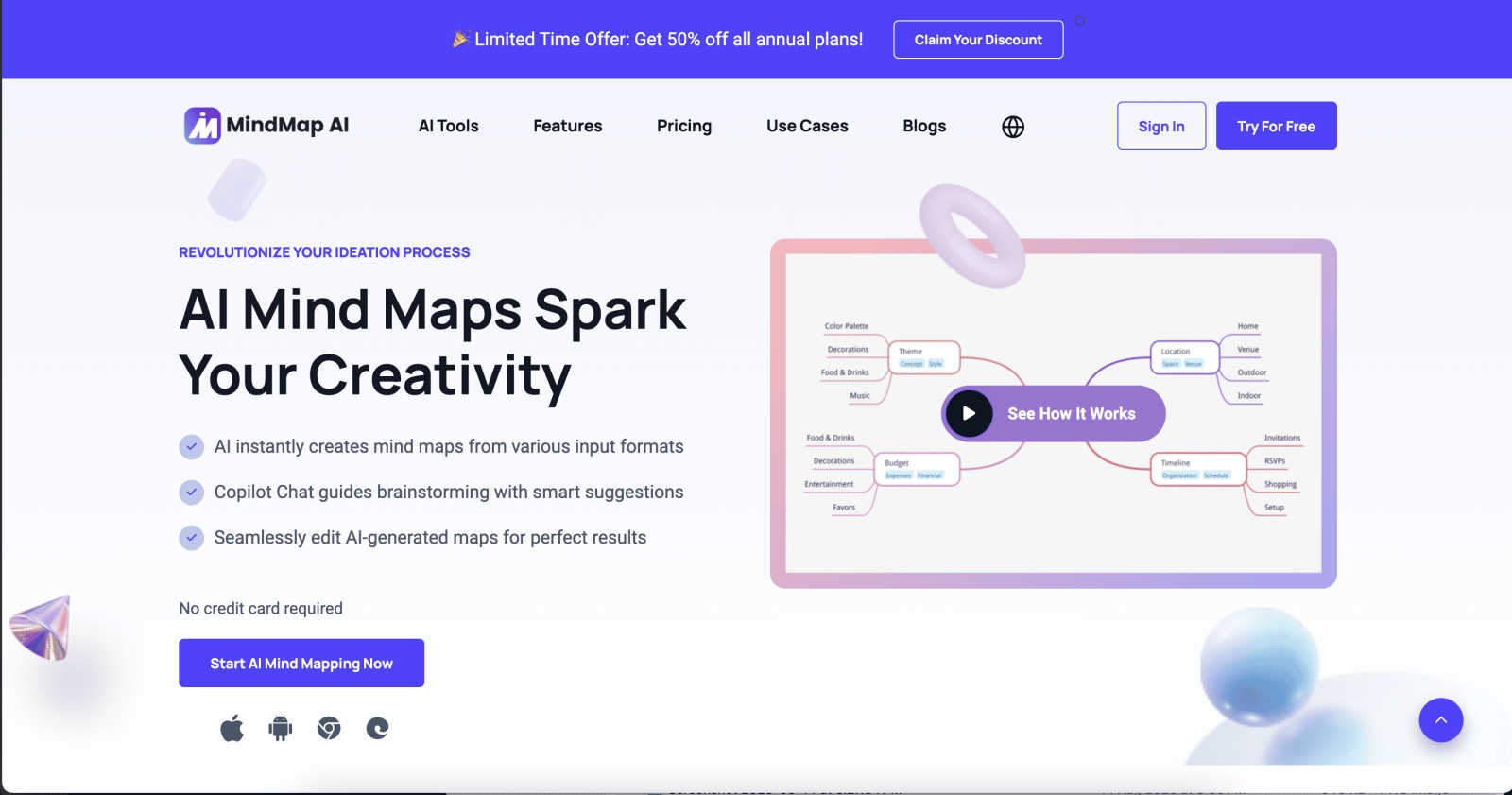
MindMap AI instantly generates and co-edits structured mind maps from any document or idea.
About MindMap AI
MindMap AI is an advanced, AI-powered cognitive workspace designed to transform unstructured information into structured, actionable intelligence. It is engineered for professionals, teams, students, and researchers who require a sophisticated tool for ideation, planning, and knowledge synthesis. The platform transcends traditional mind mapping by intelligently processing diverse inputs—including text, PDFs, Word documents, presentations, images, audio, video, Markdown, CSV, JSON, and HTML files—and converting them into dynamic, interactive visual maps. Its core value proposition lies in a proprietary step-by-step reasoning engine that ensures generated maps are contextually accurate and hierarchically meaningful, avoiding random associative branches. MindMap AI functions as a central hub for collaborative thinking, offering seamless co-editing across web, mobile, and browser extensions. Key capabilities include conversational interaction with maps via Co-Pilot Chat, automatic expansion of concepts, content summarization, and uncovering second-order connections. With multi-format export, robust manual editing tools, and flexible visual layouts, it provides a scalable enterprise solution for moving from informational chaos to operational clarity and strategic insight.
Features
AI Thinking Mode with Step-by-Step Reasoning
This proprietary engine is the core of MindMap AI's accuracy. It analyzes input content by understanding context, hierarchy, and semantic relationships before generating any visual structure. This process ensures that every mind map is logically structured, meaningful, and accurate on the first attempt, producing coherent maps rather than a collection of random, disconnected branches. It is designed for reliability in professional and academic settings.
Multi-Format File-to-Map Conversion
The platform can ingest and process a vast array of file formats, instantly transforming them into clean, editable mind maps. Supported inputs include text, PDFs, images, audio recordings, video files, Markdown, CSV, JSON, and XML. This feature eliminates the manual, time-consuming process of building a map from scratch, allowing users to immediately engage with the core ideas and structure extracted from their source material.
MindMark Stability & Continuous Co-Editing
MindMap AI is built to respect user input. The MindMark Stability system guarantees that manual edits, custom layouts, and personal structural choices remain untouched and are never overwritten by AI actions. Users maintain full manual control while the AI co-creates alongside them, allowing for seamless expansion, summarization, reorganization, and styling of map elements in seconds without breaking the established design.
Flexible Layouts & Instant Aesthetics
Users can visualize their project in three distinct chart views: Mind Map, Organizational Chart, and Logic Chart. The underlying structure remains perfectly aligned across all layouts. Coupled with a library of presentation-ready themes, this allows for instant visual polish. Users have total customization control over colors, fonts, shapes, and can add functional widgets like Priority Flags and Due Dates to create actionable plans.
Use Cases
Academic Research and Synthesis
Students and researchers can utilize MindMap AI to deconstruct complex papers, books, and lecture materials. By converting PDFs and notes into structured maps, they can visually synthesize information, identify key themes and gaps in literature, and outline research papers or theses with a clear hierarchical flow, significantly accelerating the comprehension and writing process.
Strategic Business Planning and Analysis
Professionals and teams can transform lengthy strategy documents, competitor analyses, and market research reports into interactive maps. This enables the clear visualization of goals, initiatives, risks, and dependencies. The AI's ability to uncover second-order connections helps in identifying non-obvious strategic insights and refining business plans for executive presentation.
Project Management and Agile Workflows
Project managers can convert project briefs, meeting notes, and audio recordings into dynamic maps to outline project scope, break down work structures, and assign tasks. Using widgets like Priority Flags and Due Dates within the map turns it into a living project plan that teams can collaboratively edit and track, ensuring alignment and clarity across all stakeholders.
Creative Ideation and Content Development
Writers, marketers, and creatives can use the platform to brainstorm campaign ideas, plot narratives, or structure content outlines. Starting from a simple prompt or an existing document, the AI helps expand concepts, suggest related topics, and organize thoughts into a coherent visual framework, streamlining the creative process from initial chaos to a structured execution plan.
Pricing
MindMap AI offers a free tier that provides users with 50 credits monthly at no cost and does not require a credit card to start. For detailed information on premium plans, subscription tiers, enterprise pricing, and specific feature access beyond the free credits, users are directed to visit the official MindMap AI website's "Pricing" section for the most current and comprehensive breakdown.
Frequently Asked Questions
What file types can MindMap AI process?
MindMap AI supports a comprehensive range of input formats for conversion into mind maps. This includes standard documents (PDF, Word, PowerPoint), multimedia files (images, audio, video), structured data (CSV, JSON, XML, HTML), and plain text formats (Markdown, TXT). This versatility allows users to transform almost any digital content into a visual map instantly.
How does MindMap AI ensure the accuracy of its generated maps?
Accuracy is ensured through the proprietary AI Thinking Mode, which employs a step-by-step reasoning engine. Instead of making immediate associative leaps, the AI first analyzes the input to understand context, establish a logical hierarchy, and determine meaningful relationships between concepts. This methodological approach guarantees that the resulting map is structurally sound and contextually relevant.
Can I manually edit a map created by the AI?
Absolutely. Manual control is a foundational principle of MindMap AI. The platform's MindMark Stability feature ensures that all manual edits, custom formatting, and structural adjustments are permanently preserved. The AI functions as a co-editor that expands and suggests around your work without overwriting or altering your direct input, giving you complete creative authority.
Is MindMap AI suitable for handling large, complex documents?
Yes, the platform is specifically engineered for large document processing. It can handle extensive texts and reports with stable chart generation and provides reliable, coherent summaries. The system is optimized to maintain structural integrity and processing efficiency even with substantial inputs, ensuring consistent results without disproportionately high resource consumption.
Similar to MindMap AI
Novastart
Apps and files on an infinite canvas where people and AI agents work together.

Memorable Contact
AI-powered relationship memory that helps you remember people, the context behind your connections, and reconnect
PythonExercise.com
An interactive coding platform featuring bite-sized Python exercises designed to build real coding skills through hands-on practice.

Panzoe
Panzoe is an all-in-one AI platform for personal productivity, business automation, AI assistants, content creation, and custom AI solutions.

PracticeSIEM
PracticeSIEM.com is an interactive, browser-based hands-on cybersecurity learning platform designed for Security Operations Center (SOC) analysts.
SQLCrab
SQLCrab (sqlcrab.com) is an interactive, browser-based SQL learning platform that lets you practice database queries directly in your browser.
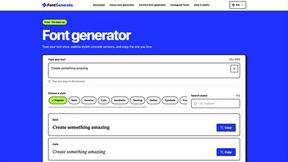
FontGenerate
Stylish Font Generator: 150+ Stylish Fonts to Copy & Paste (Free)
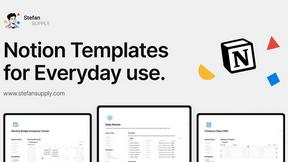
Stefan Supply
Ready-to-use Notion templates for personal planning and small business workflows, with realistic example data.