qtrl
qtrl helps QA teams organize test suites and gradually automate web checks with AI agents that record each browser action for review.
tool Details
Explore More
Alternatives
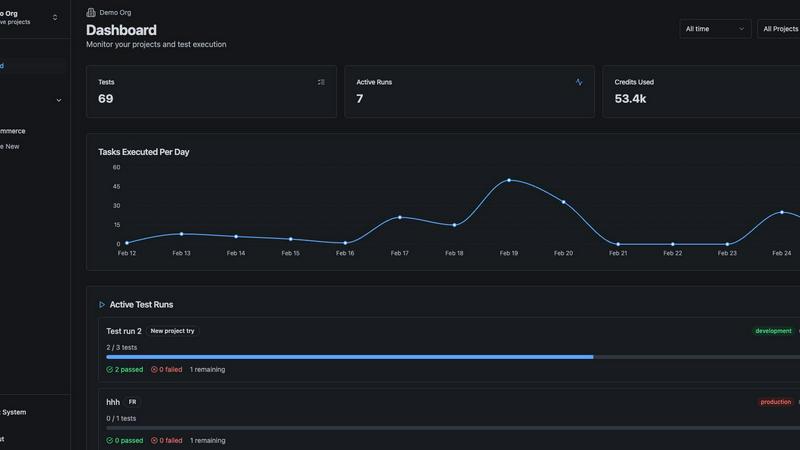
About qtrl
qtrl offers a path from manual QA toward browser automation without requiring a team to convert its whole suite at once. Testers can organize cases into folders and versions, run them manually, then direct agents to execute tests they trust. Instructions are written in plain language, and the agents work in a real browser on an environment the team selects.
The product is aimed at teams that want to expand coverage while keeping a person involved in deciding what gets added and approved. qtrl can use its accumulated knowledge of an app to suggest missing tests, but suggestions do not run until someone approves them. Logs, screenshots and video make agent work inspectable. Teams should weigh that review process against their need for speed and oversight when deciding how much of the suite to automate.
Features
- Manual and agent-run cases in one test management workflow
- Plain-language test instructions
- Real-browser execution on a selected environment
- Reviewable evidence and approval controls
Use Cases
- Begin organizing a QA suite before automating it
- Delegate stable login or profile flows to agents
- Review proposed coverage additions with the team
- Trace a test result using its screenshots and logs
Pricing
A Free plan is available without a required credit card.
Frequently Asked Questions
Can a team start with only manual testing?
Yes. qtrl describes beginning with a structured suite run by hand and handing tests to agents later.
Do suggested tests run immediately?
No. qtrl says nothing new runs until someone approves it.
What makes agent runs inspectable?
The platform provides step logs, screenshots and video for runs.
Similar to qtrl
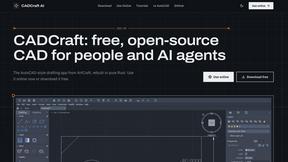
CADCraft
CADCraft is a free, open-source 2D drafting app for design workflows, with desktop and browser access plus scriptable controls.
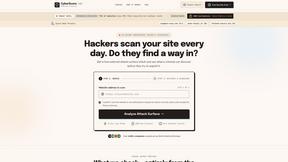
CyberScore
CyberScore gives businesses a fast, free view of public email, website and server security, with findings and practical fixes for an IT contact.
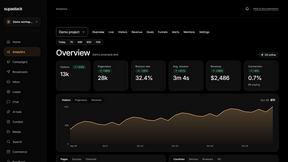
Supastack
Supastack gives developers a coding-agent-ready SaaS foundation with web, mobile and desktop apps, shared authentication and billing in one monorepo.
RenderPixels
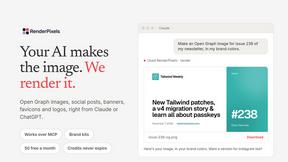
RenderPixels lets an AI assistant create exact-size image files through browser rendering, with issue checks, previews, and permanent links.

Leadmatically
Leadmatically finds and scores warm leads across five social platforms, then helps businesses start conversations through social accounts or email.
GigUp
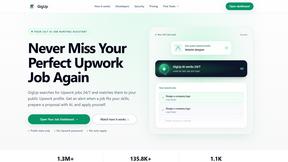
GigUp finds Upwork jobs that fit a freelancer's public profile and sends alerts, with optional AI proposal drafts for manual review.