
SVG to 3D
Effortlessly convert SVG files into high-quality 3D models with advanced controls and instant processing in your.
tool Details
Explore More
Alternatives
About SVG to 3D
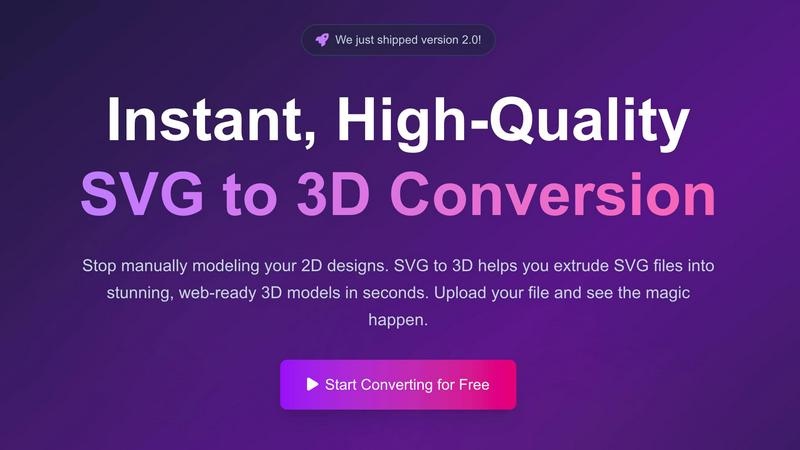
SVG to 3D is a powerful online tool designed to effortlessly convert 2D SVG vector graphics into stunning high-quality 3D models. This innovative solution was developed to address the common frustrations of designers, developers, and 3D printing enthusiasts who often find traditional software like Blender or Cinema 4D cumbersome and time-consuming. With SVG to 3D, users can quickly upload their SVG files and transform them into professional-grade 3D models in mere seconds. This tool is perfect for web developers looking to enhance their projects with interactive 3D elements, as well as for those in the 3D printing community who need precise models ready for fabrication. The main value proposition lies in its user-friendly interface, advanced customization options, and lightning-fast processing capabilities, all while maintaining a focus on privacy and security by keeping files processed locally in the browser.
Features
One-Click to GLB for the Web
This feature allows users to export their 3D models as lightweight GLB files optimized specifically for web applications. Developers can seamlessly integrate these files into projects using Three.js or React Three Fiber, enhancing user experiences with interactive 3D elements.
3D-Print Ready
SVG to 3D supports clean STL exports, making it easy for users to take their 3D models directly into 3D printing software. This feature simplifies the workflow, allowing creators to produce tangible items from their digital designs without needing complex CAD software.
Advanced Material System
Users can apply realistic PBR (Physically Based Rendering) materials, custom textures, and professional lighting effects to their 3D models, enabling them to stand out in any project. This advanced material system enhances the visual quality and realism of the final output.
Lightning-Fast Processing
SVG to 3D utilizes optimized algorithms to deliver rapid conversion times, allowing users to transform their SVG files into 3D models in seconds rather than minutes. This efficiency is crucial for professionals who need to iterate quickly and meet tight deadlines.
Use Cases
Create Interactive 3D Logos and Icons for Web
Web developers and designers can easily convert SVG logos and icons into 3D models ready for interactive web applications. This use case enhances brand identity and adds depth to user interfaces, making websites more engaging.
From Digital Design to Physical Object
The tool enables users to convert their 2D designs into 3D printable models. This functionality is essential for artists and designers who wish to create physical representations of their digital artwork or prototypes without the need for complex modeling software.
Enhance Your UI/UX Designs
Designers can utilize SVG to 3D to add depth and realism to UI components. By integrating 3D elements into mockups, they can present their ideas more effectively to clients and stakeholders, improving the overall design review process.
Streamline Game Development
Game developers can quickly generate 3D assets from SVG graphics, optimizing their workflow by avoiding the lengthy modeling processes typically required. This use case is ideal for creating unique 3D elements in games, saving time and resources.
Frequently Asked Questions
How does SVG to 3D work?
SVG to 3D works by allowing users to upload SVG files and then applying advanced algorithms to convert these 2D graphics into 3D models. Users can adjust settings like thickness and bevels in real-time before exporting their models.
What file formats can I export my 3D models in?
You can export your models in multiple formats, including GLB, GLTF, OBJ, and STL. This versatility ensures compatibility with various 3D software and applications, whether for web development or 3D printing.
Is my data secure when using SVG to 3D?
Yes, SVG to 3D prioritizes user privacy and security. Files are processed locally in your browser whenever possible, which means your designs are not uploaded to external servers, keeping them safe and secure.
Can I use SVG to 3D for commercial projects?
Absolutely. SVG to 3D is designed for both personal and commercial use. Whether you are a freelancer, a small business, or a large corporation, you can utilize this tool to create and export 3D models for your projects.
Similar to SVG to 3D
Memorable Contact
AI-powered relationship memory that helps you remember people, the context behind your connections, and reconnect
screenRIG
Signage and kiosk infrastructure for AI agents. Your agent publishes images, video, streams, web pages and apps to screens via one plugin.screenRIG is
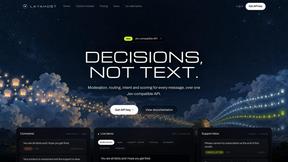
layahost
Moderation, routing, intent and scoring for any text over one Jev-compatible API, hosted in the EU.

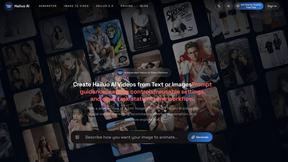
Hailuo AI
Create Hailuo AI videos from text or images with guided prompts, motion and camera controls, flexible settings, and downloadable results.

amaze.directory
A directory of AI tools where somebody actually used the tool.