

Vailo AI
Vailo AI brings image, video, motion and 3D generation models into one creative studio with shared credits and built-in editing tools.
tool Details
About Vailo AI
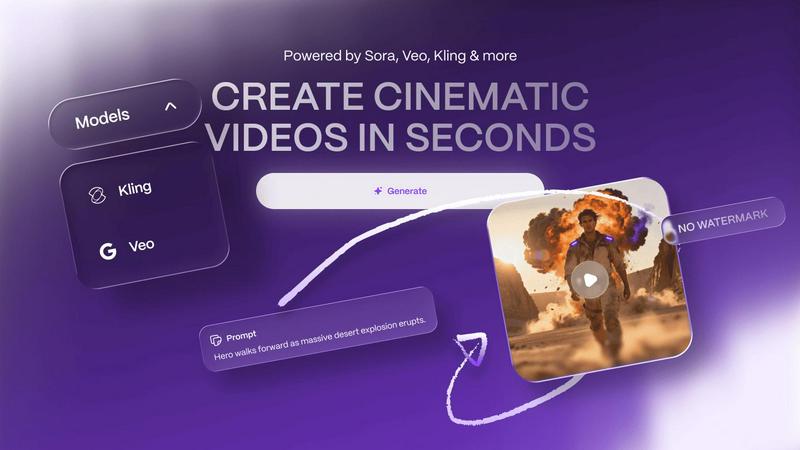
Vailo AI is a browser-based creative studio for generating images and video, working with motion and 3D, and editing visual assets. It brings models such as Flux, Kling, Veo and Sora into one workspace, where generations draw from a shared credit balance. For image creation, users can write a prompt or start with a photo, choose an aspect ratio, add up to four references and request up to four versions at once. Video tools can animate a still image or generate a shot from a description, with controls for length and format. The same workspace includes object removal, background changes, relighting, image upscaling and sketch coloring. Vailo may suit creators who want to compare several models and complete basic edits in one place. Since output uses credits and costs vary by model and task, check the displayed generation price before committing credits.
Check the credit cost first
The free plan provides 40 credits, while paid monthly plans and credit packs offer larger balances. The number of outputs those credits buy depends on the selected model and generation settings.
Features
- Generate images from prompts or reference photos; select a shape and create up to four versions.
- Create video from a still image or text description, with length and format controls.
- Use one credit balance across image, video, motion and 3D models.
- Edit images with object removal, background changes, relighting and sketch coloring.
Use Cases
- Explore different image models for a campaign concept or visual brief.
- Turn a still product or portrait image into a short video.
- Make quick image adjustments such as removing an object or changing a background.
- Compare generation options before spending credits on a larger batch.
Frequently Asked Questions
Can I use my own image?
Yes. Image creation can start with a photo, and users can add up to four reference images.
How does video generation work?
You can animate a still image or describe a shot, then choose its length and shape. The interface shows the credit price before you generate.
Do all models use the same number of credits?
No. Vailo uses one shared balance, but the credit cost depends on the model and generation settings.
Similar to Vailo AI

FoxyLab
FoxyLab makes product videos and banners from chat instructions, with brand context from a URL and multiple output sizes.

southparkmaker
Make a South Park-inspired character with editable presets, live previews, and PNG or SVG downloads in a browser-based builder.
VectorMint
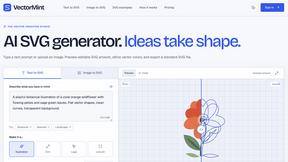
VectorMint generates editable SVG artwork from prompts or images, offering a free preview before paid downloads for vector design projects.

MAGI-2
MAGI-2 makes 10-second 1080p clips from prompts or still images, with aspect-ratio choices and optional synchronized sound.

Text Photo AI
Edit wording in JPG and PNG images with AI, or add a caption free in your browser and export a PNG.

Goshortsai
Goshortsai provides AI image and video workflows, from prompt-based clips to image animation, motion control, and reusable effects.

AI Photo Editor
A prompt driven photo editor for cleanup, background changes, restoration, and creative image variations across AI models.

PhotoboothFree
PhotoboothFree is an online photo booth for themed strips, with browser capture, optional uploads and print-ready PNG exports.