Crawlkit vs TrafficClaw
Side-by-side comparison to help you choose the right tool.

Crawlkit
CrawlKit provides a developer-friendly API for seamless web scraping and data extraction from any site or platform.
Last updated: February 28, 2026

TrafficClaw
Talk to your SEO & Analytics data - it finally talks back
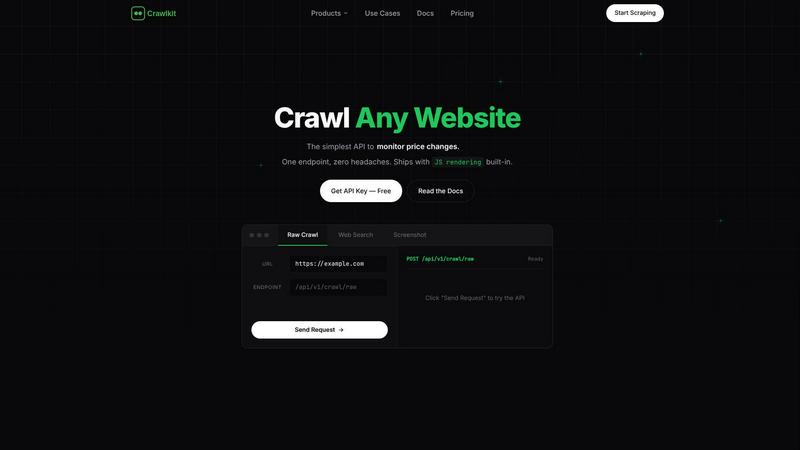
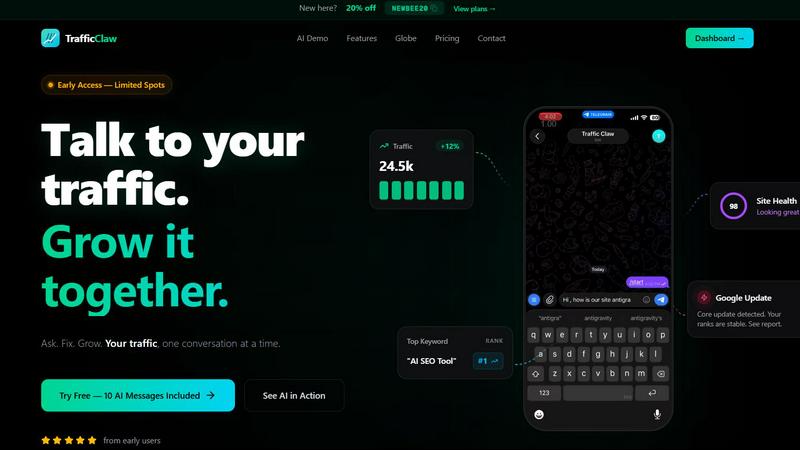
Visual Comparison
Crawlkit
TrafficClaw
Overview
About Crawlkit
Crawlkit is a powerful web data extraction platform meticulously designed for developers, data engineers, and data science teams seeking to streamline their data collection processes. It offers a comprehensive, scalable API that allows users to programmatically access and extract data from any website, effectively removing the need for complex in-house scraping infrastructures. Crawlkit addresses the modern challenges of web scraping, such as dealing with JavaScript-rendered single-page applications (SPAs), navigating aggressive anti-bot protections like Cloudflare and PerimeterX, and overcoming IP rate limiting and CAPTCHA challenges. By managing intricate tasks like proxy rotation, headless browser management, automatic retries, and session handling, Crawlkit empowers users to concentrate on data consumption and analysis. Its primary value proposition lies in delivering reliable, high-success-rate data extraction through a straightforward REST API interface, supporting various data extraction modalities including fetching raw HTML, running web searches, capturing full-page visual snapshots, and extracting structured data from professional networks. Accessible via developer-friendly SDKs for Node.js, Python, Go, and more, Crawlkit simplifies the data extraction process across multiple platforms, making it an indispensable tool for any data-driven organization.
About TrafficClaw
Your traffic dropped. Google Analytics says nothing useful. Search Console shows graphs. Cool. Now what? TrafficClaw lets you just ask - "Why did my traffic drop?" and actually get an answer. Backed by your real data, not some generic blog post advice. Connect GA4 + Search Console. Ask questions. Get fixes. That's it.